Intro
Built-in laptop cams still wash out in overhead office light. As of late September 2026, a solid under-$100 USB webcam buys 1080p (or 2K) with a privacy shutter and dual mics that beat most notebook arrays for Zoom, Teams, and Google Meet.
This SpecRel Cameras shortlist sticks to real US Amazon ASINs: the evergreen Logitech C920S, Wirecutter-friendly Anker PowerConf C200, streamer-leaning C922x, and budget Brio 100. Specs come from manufacturer pages and live listings; street prices move with sales.
What matters under $100
- Resolution & fps — 1080p/30 is the meeting floor; 720p/60 helps livestreams; 2K sharpens on 1440p monitors when bandwidth allows.
- Autofocus + light correction — fixed-focus cams look soft when you lean in; RightLight-class exposure saves dim rooms.
- Field of view — ~70–80° frames a desk setup; ultra-wide picks up messy kitchens.
- Privacy shutter — hardware covers beat stickers for shared spaces.
- Mount — clip + tripod thread matters for monitor-top vs. boom-arm desks.
Spec table
| Model | Resolution | FOV | AF / extras | Approx. street |
|---|---|---|---|---|
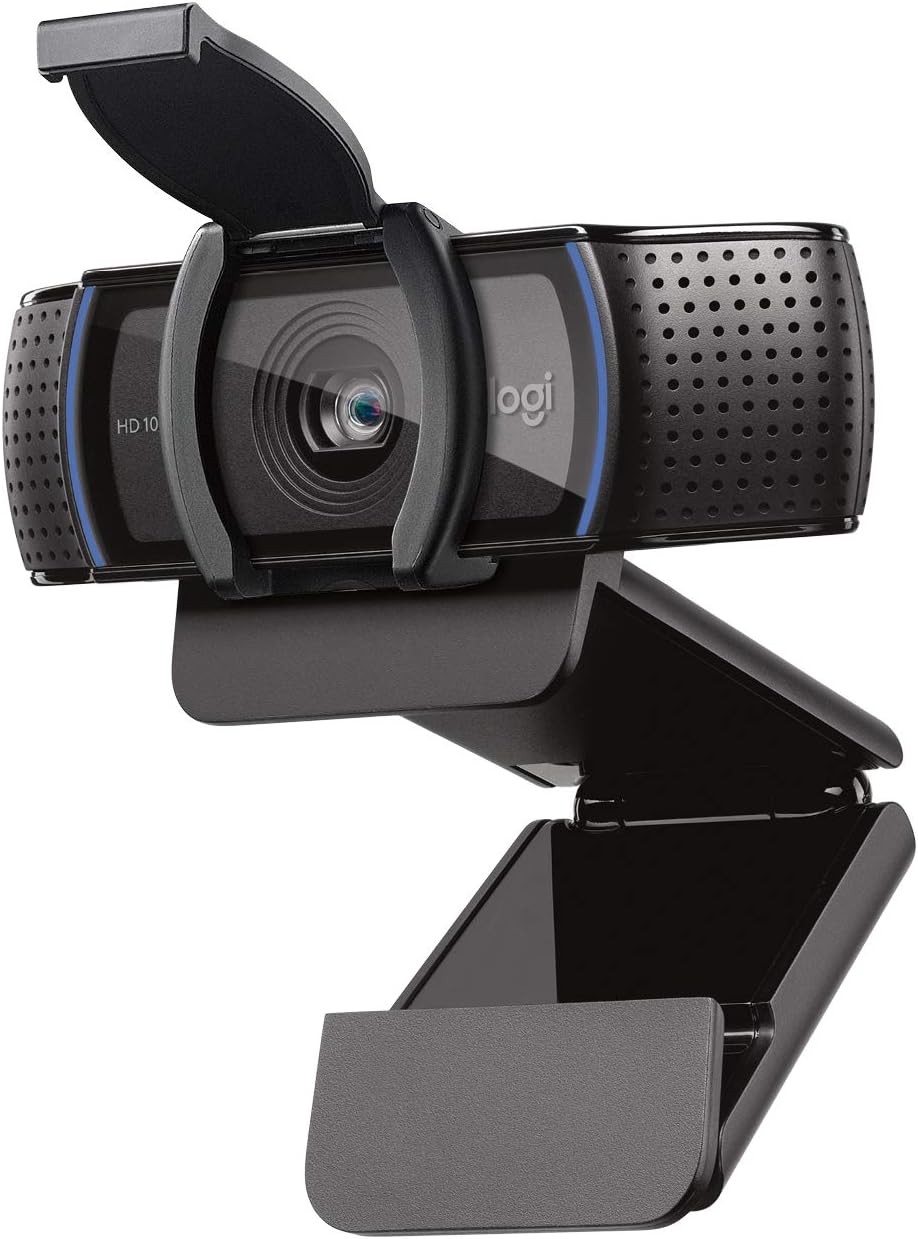
| Logitech C920S | 1080p/30 | ~78° | AF, dual mics, privacy shutter, RightLight | ~$50–$70 |
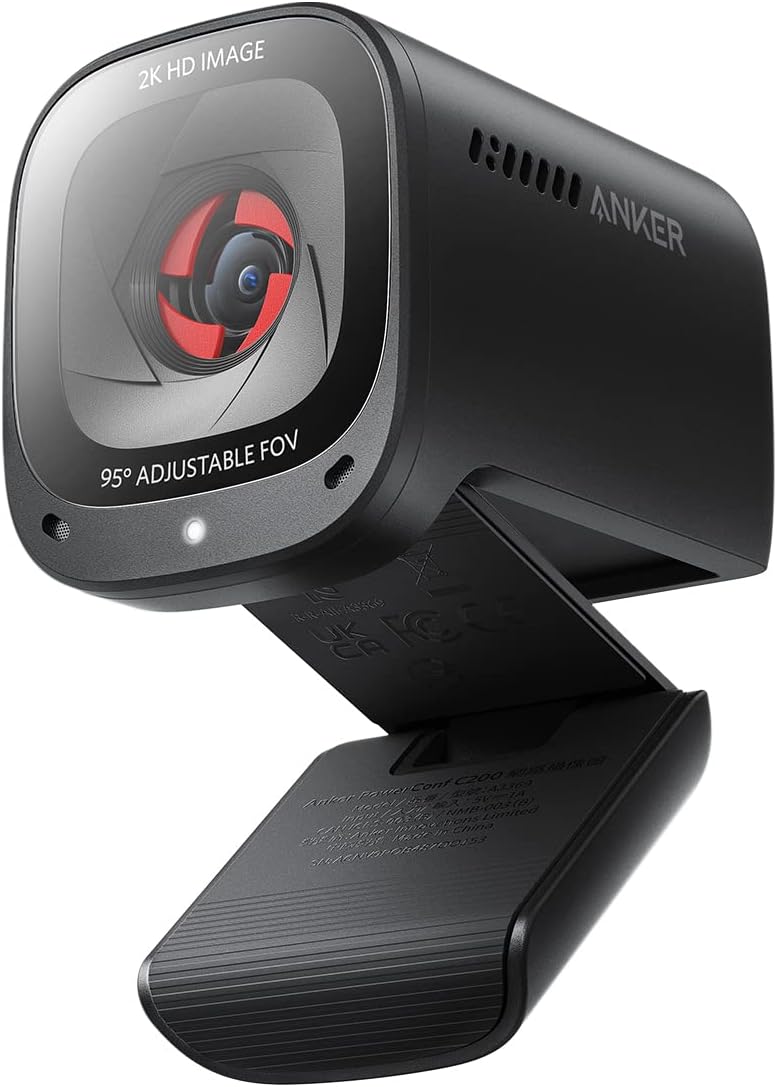
| Anker PowerConf C200 | 2K/30 | Adjustable 65° / 78° / 95° | AF, AI noise-cancel mics, privacy cover, app | ~$60–$70 |
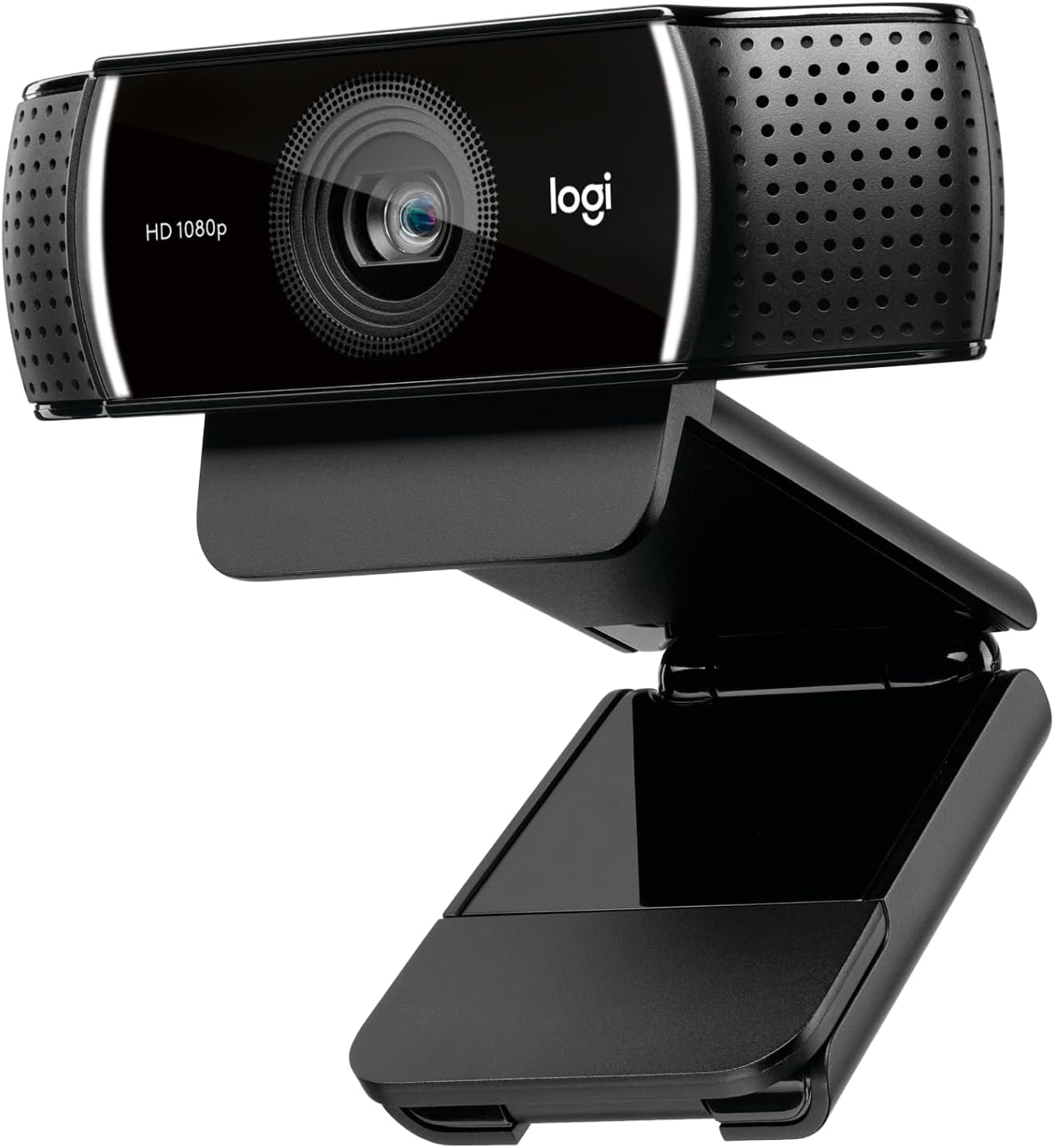
| Logitech C922x | 1080p/30 or 720p/60 | ~78° | AF, dual mics, light correction | ~$80–$100 |
| Logitech Brio 100 | 1080p/30 | ~58° | Fixed focus, built-in mic, privacy shutter | ~$35–$45 |
Best overall under $100: Logitech C920S HD Pro
Buy this if you want the safest plug-and-play Zoom camera with autofocus and a real privacy shutter.
The C920S remains the default recommendation for a reason: glass lens, reliable AF, stereo mics that are “good enough,” and Logi software support. It will not match a mirrorless cam on a capture card — it will make you look like you own a real office.
Best image for the money: Anker PowerConf C200
Buy this if you want 2K sharpness and adjustable FOV without jumping to a $150 Brio.
Anker’s C200 punches above its street price on resolution and low-light correction. Use the companion app to lock FOV for single-person vs. couple framing. Confirm you are buying the standalone webcam SKU, not a speakerphone bundle.
Best for streaming / 60 fps: Logitech C922x
Buy this if you need smoother 720p/60 for Twitch-adjacent streaming and still stay near $100.
The C922x is the C920 family’s stream-leaning sibling. Expect similar color science with a higher frame-rate mode. Watch sale pricing — it often sits at the top of this budget.
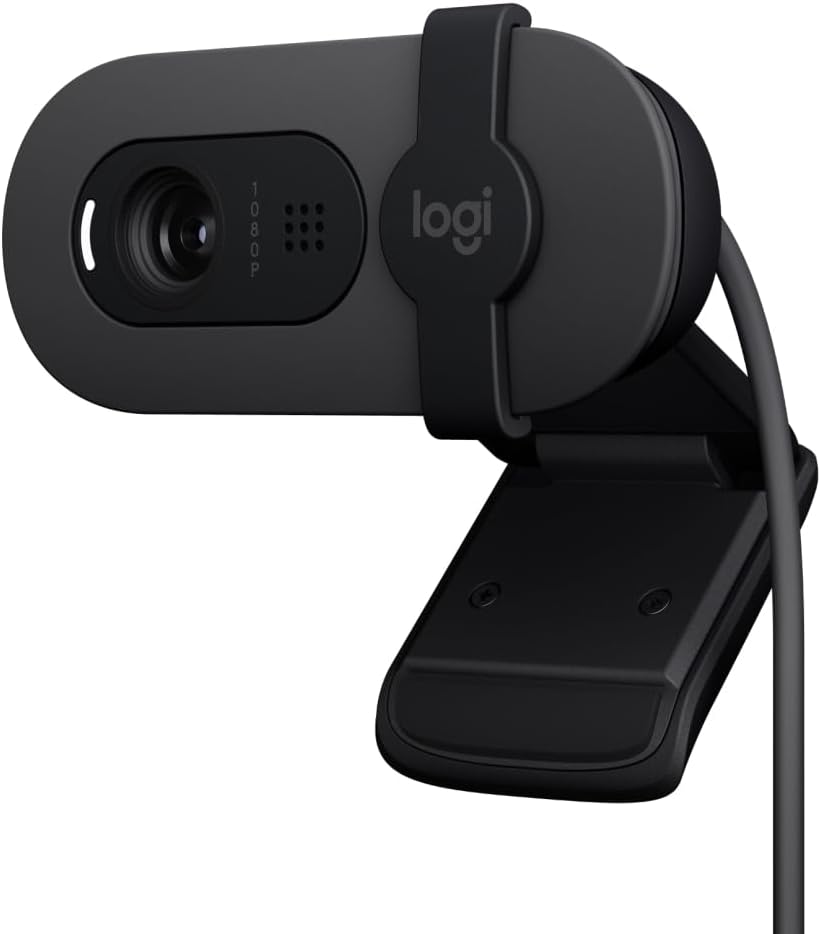
Best absolute budget: Logitech Brio 100
Buy this if you just need a cleaner image than the laptop bar and a shutter for under ~$45.
Brio 100 is fixed-focus and narrower FOV — sit at a consistent distance. Fine for daily standups; step up to C920S if you gesture a lot or share a desk with kids walking through frame.
How we ranked
- Meeting clarity in mixed indoor light
- Autofocus that does not hunt mid-sentence
- Hardware privacy cover
- Mount flexibility (clip + trip thread)
- Street price staying under $100
Verdict
| Use case | Pick |
|---|---|
| Best under $100 | Logitech C920S |
| Best sharpness / FOV control | Anker PowerConf C200 |
| Best stream fps | Logitech C922x |
| Best cheap upgrade | Logitech Brio 100 |
| Stretch if… | You need HDR + Windows Hello — Brio 4K class leaves this budget |
Skip: no-name “4K webcam” listings under $25 with fake resolution claims and no return trail.
FAQ
Do I need 4K for Zoom?
Usually no. Most calls downscale hard. 1080p with good light beats soft 4K in a dark room.
Will these work on Mac and Chromebook?
USB UVC webcams work on modern macOS and most Chromebooks without drivers. Check OS notes on the listing for older Chrome OS builds.
Mic quality good enough?
Fine for one-person meetings. For podcasts or noisy rooms, pair with a USB mic (see our under-$100 mic guide).