
Intro
As of late September 2026, a 27-inch 1440p (2560×1440) panel is still the sweet spot under $300: sharper than 1080p, easier on midrange GPUs than 4K, and packed with 165–180 Hz Fast IPS options that used to cost far more.
This guide shortlists five real SKUs you can still buy in that budget — gaming IPS, KVM/USB-C productivity, a VA contrast pick, and an office-first USB-C monitor. Specs and prices come from manufacturer pages and major US retailers (ASUS Store, B&H, Dell, Samsung, LG). Street prices move weekly; treat the dollar figures as late-2026 ballparks.
What matters under $300
- Panel type — IPS for color and viewing angles; VA for deeper blacks if you sit centered.
- Refresh rate — 144–180 Hz is the gaming baseline; 75–100 Hz is fine for docs and browsing.
- HDR badges — DisplayHDR 400 / HDR10 without local dimming is marketing, not cinema HDR. Buy for SDR clarity first.
- Stand & VESA — height + pivot saves a monitor arm; confirm 100×100 VESA if you already own one.
- Ports — DisplayPort + HDMI is mandatory for PCs; USB-C with DP Alt Mode is the laptop win.
Spec table
| Model | Size / panel | Refresh | Brightness (typ.) | Stand | Headline ports | Approx. street |
|---|---|---|---|---|---|---|
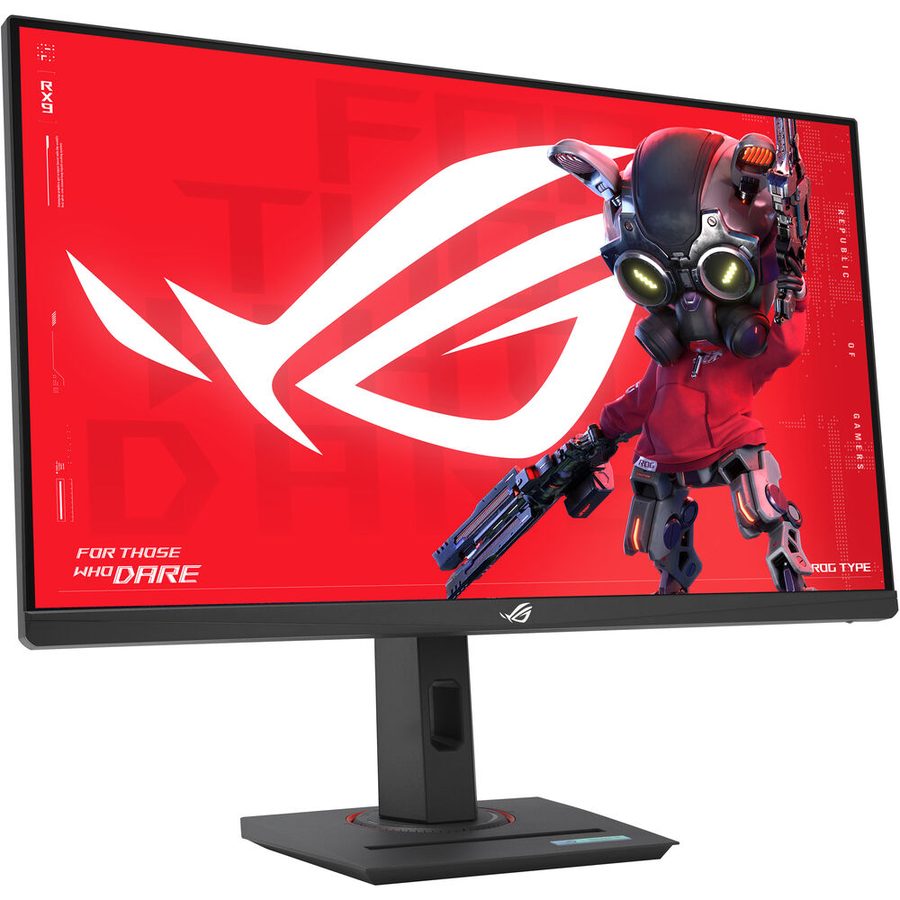
| ASUS ROG Strix XG27ACS | 27″ Fast IPS 2560×1440 | 180 Hz | ~400 nits (HDR peak claim) | Height / swivel / pivot / tilt | DP 1.4, HDMI 2.0, USB-C (DP Alt + PD) | ~$229 (ASUS Store) |
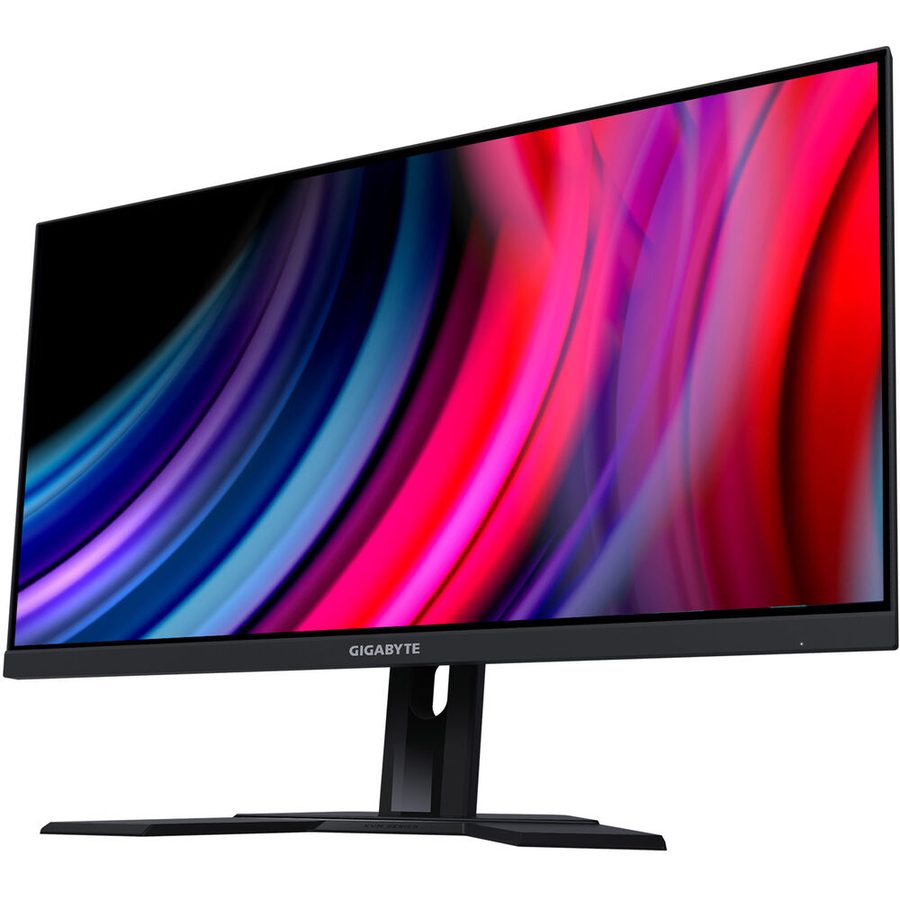
| Gigabyte M27Q (Rev. 2.0) | 27″ SS IPS 2560×1440 | 165 Hz (OC 170 Hz) | ~350 nits | Tilt (+ VESA) | DP 1.2, 2× HDMI 2.0, USB-C (Alt + ~10 W), KVM USB hub | ~$260 |
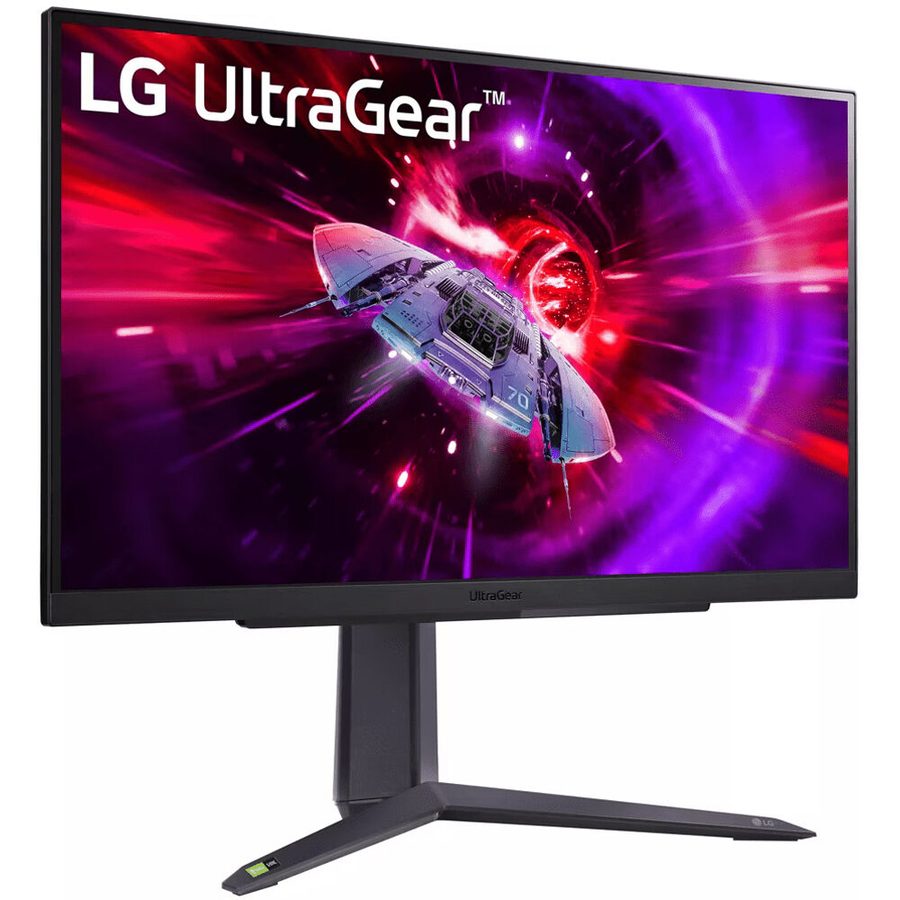
| LG UltraGear 27GR75Q-B | 27″ IPS 2560×1440 | 165 Hz | HDR10; sRGB ~99% typ. | Height / pivot / tilt | DP + HDMI (check SKU) | ~$250–$270 |
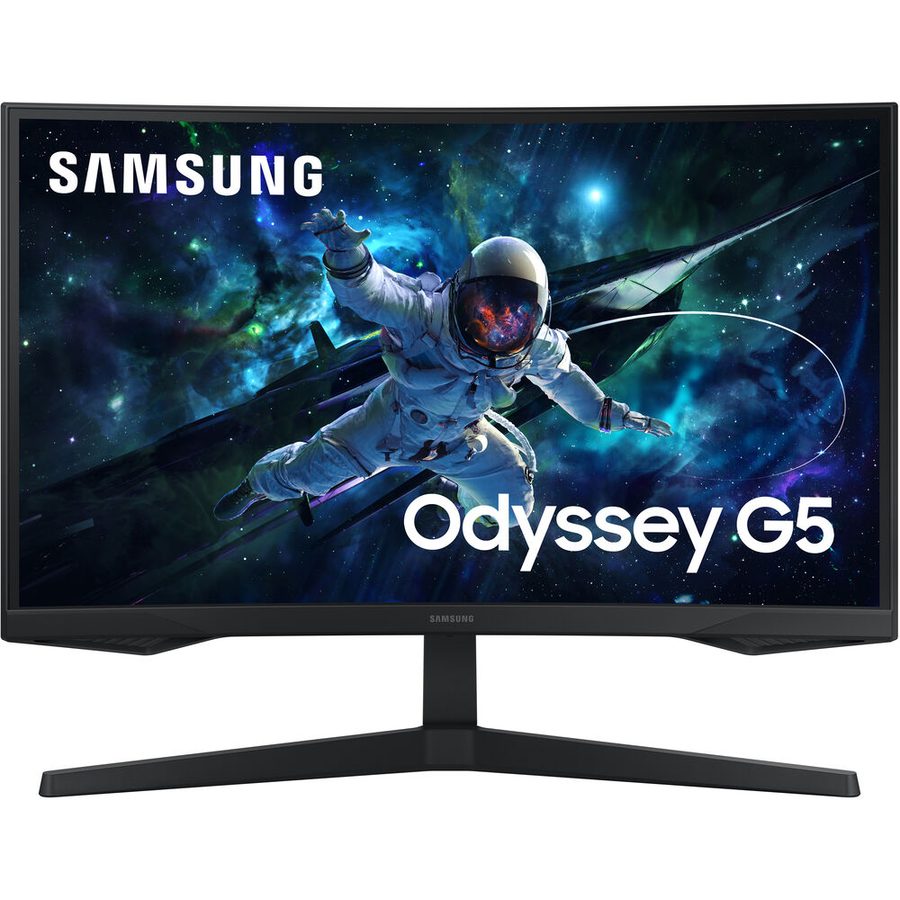
| Samsung Odyssey G5 27″ QHD | 27″ VA 2560×1440 (G5 / G51C–G55 family) | 165 Hz | HDR10 | Tilt (model-dependent) | DP + HDMI | Often ~$150–$200 |
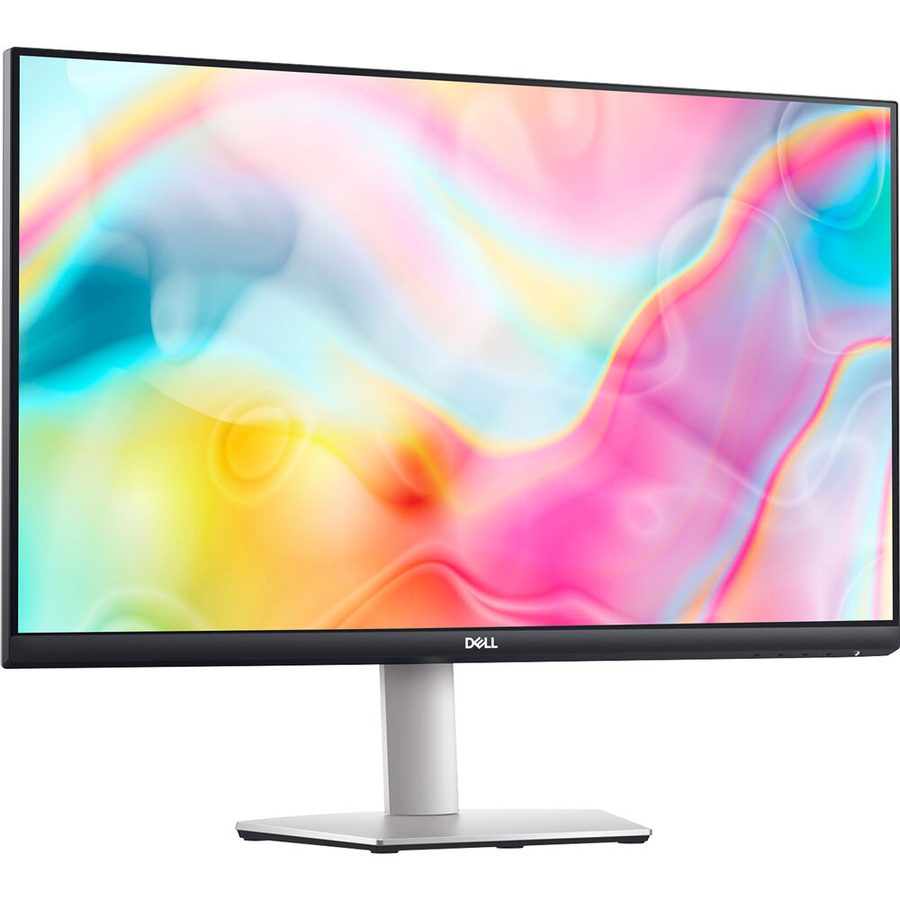
| Dell S2722DC | 27″ IPS 2560×1440 | 75 Hz | ~350 nits class | Height / swivel / pivot / tilt | USB-C 65 W PD, HDMI, DP daisy-chain class | ~$230 |
Confirm the exact Samsung G5 SKU (flat G51C vs curved G55) before you buy — retail listings reuse “Odyssey G5” across siblings.
Best overall: ASUS ROG Strix XG27ACS
Buy this if you want one 1440p gaming monitor that also works for school/work without looking like a compromise.
You get 180 Hz Fast IPS, factory-checked wide color (ASUS cites ~97% DCI-P3 / 133% sRGB), ELMB Sync, G-SYNC Compatible / FreeSync, and a full ergonomic stand. USB-C with DisplayPort Alt Mode plus modest power delivery covers many thin laptops for video (verify your notebook’s Alt Mode and wattage needs — this is not a 65–100 W charger replacement for every machine).
At roughly $229 on the ASUS Store in late 2026, it undercuts older “premium IPS” pricing while keeping the features people actually use. HDR400 remains weak; ignore it.
Best dual-PC / laptop desk: Gigabyte M27Q
Buy this if you share one keyboard/mouse between a desktop and a laptop, or you want PiP/PbP and a built-in USB hub.
The long-running M27Q (Rev. 2.0) is still a value benchmark: QHD IPS, 165/170 Hz, ~350 nits, DisplayHDR 400 badge, USB-C upstream with light PD (~10 W — enough for data/video, not full laptop charging), and a real KVM button. The stand is tilt-focused; plan on VESA if you need height.
Around $260, it trades a few Hz versus the XG27ACS for productivity ports. If KVM is non-negotiable, start here.
Best ergonomic gaming IPS: LG UltraGear 27GR75Q-B
Buy this if you want LG’s UltraGear IPS with height/pivot, 165 Hz, 1 ms GtG claims, and G-SYNC Compatible / FreeSync Premium without ROG styling.
It is the safe “Amazon / Best Buy aisle” pick when the ASUS is sold out. Color is solid for the tier (sRGB ~99% typical). Same HDR caveat as every other $300 IPS.
Best contrast / movies: Samsung Odyssey G5 27″ QHD
Buy this if you sit still in front of the panel and want VA blacks for dim-room games and streaming.
VA still beats IPS on contrast at this price. Tradeoffs are classic: slower dark-to-dark transitions (black smear in some titles) and narrower viewing angles. Pick a current G5 QHD 165 Hz listing (~$150–$200 when on sale) and verify flat vs curved and the exact LS27CGxxx model number.
Best office / USB-C charging: Dell S2722DC
Buy this if the desk is mostly docs, spreadsheets, and a USB-C laptop — not competitive shooters.
75 Hz is the honest limit. The win is 65 W USB-C charging, a fully adjustable stand, and Dell’s workhorse build. Pair it with a stronger gaming panel later if you need motion; do not buy it expecting 180 Hz.
How we ranked
- Readable text at 27″ / 109 PPI (1440p)
- Motion clarity vs price for midrange GPUs
- Out-of-box color and viewing angles for everyday use
- Ports that reduce dock clutter (USB-C, KVM)
- Warranty/return friendliness at big US retailers
Verdict
| Use case | Pick |
|---|---|
| Best overall under $300 | ASUS ROG Strix XG27ACS |
| Desktop + laptop KVM | Gigabyte M27Q |
| Ergonomic UltraGear IPS | LG 27GR75Q-B |
| Movies / contrast | Samsung Odyssey G5 27″ QHD (VA) |
| Office USB-C 65 W | Dell S2722DC |
Skip: “HDR” as a buying reason; 32″ 1440p if you sit close (prefer 27″ here, or stretch to 4K later); ultrawides that blow the budget on curve gimmicks.
FAQ
Is 1440p enough on a 32-inch monitor?
Usable, but many people prefer 4K at 32″. Stay at 27″ for this budget unless you sit farther back.
Do I need HDMI 2.1?
Not for 1440p / 144–180 Hz from a typical PC GPU over DisplayPort. Consoles and 4K/120 scenarios differ — check your device’s HDMI version and the monitor’s port list.
IPS glow — dealbreaker?
Noticeable in dark rooms on some units. Buy from retailers with easy returns and evaluate in your lighting within the return window.
Should I wait for OLED under $300?
Not in late 2026 for new 27″ QD-OLED/WOLED — those still sit well above this budget when new. Used OLED is a different risk profile (burn-in, warranty).